


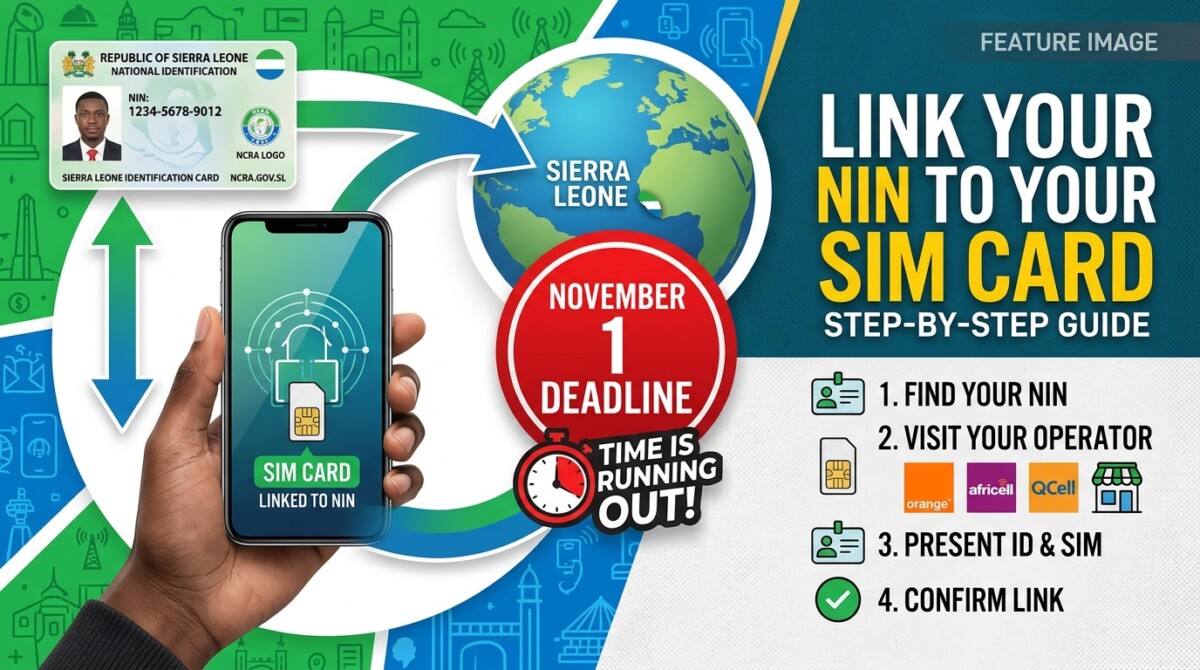
Mobile phone users in Sierra Leone must link their National Identification Number (NIN) to their SIM cards by November 1, 2026, as part of the country’s subscriber registration requirements. This process aims to connect mobile numbers with verified identity records held by the National Civil Registration Authority (NCRA).
Users can register through their mobile operators, which include Africell, Orange, and QCell. The linking service is free, but the procedure varies by network.
Here’s how to link your NIN:
For Africell SIM Users:
- Dial *999#.
- Enter your NIN when prompted.
- Enter your four-digit year of birth.
- Submit the information and await confirmation.
Ensure the NIN and year of birth match your national identity record.
For Orange SIM Users:
Using USSD:
- Dial *999#.
- Select option 4 for NCRA Registration.
- Choose 1 to proceed.
- Enter your NIN and year of birth.
- Submit your details and wait for an SMS confirmation.
Using the Orange Max application:
- Open the app.
- Tap the menu icon.
- Select NIN Registration.
- Enter your mobile number, NIN, and year of birth.
- If requested, upload a photo.
- Tap Validate to submit.
Wait for confirmation of your registration.
For QCell SIM Users:
Subscribers may register or check their details by dialling *999#, contacting customer service, or visiting a QCell office with their national identity card.
Those without a NIN or with incorrect details should contact the NCRA to resolve identity issues before linking their SIM cards. If you don’t meet the deadline, your SIM may face restrictions or disconnection, especially as they are crucial for mobile money, banking, and personal communications.
The linking process is free, and users should not pay for registration or disclose sensitive information. The safest method is to use your mobile operator’s official services and keep any confirmation messages received.


